You, the organiser
A first of its kind view of your whole base.
Who came, what they do, what they are looking for and who should meet whom, on one screen, with a way to reach every one of them long after the day.
For event organisers and expos
You get a first of its kind view of everyone at your event, and a way to serve them all year. Your vendors get a gateway to every attendee who walks past, and never lose a contact again. Your guests take the whole room home. And every one of them leaves with an identity and a page of their own.
PediatricianLooking for investorsHalal catering · vendorNew to DallasHiring a designerSoftware engineerSkincare brand · vendorWants to volunteerWhat the room shows: skills, goals, business types, interests, and who should meet whom. Never an email, never a phone number. Contact details move only when a person chooses to share them.
01 · The beginning of the show
Before anyone reaches a stage or a table, your hall’s own Nexus Gate greets them. One scan gives every attendee an identity, a page of their own, and every vendor and like-minded person in the hall, and from that moment everything they scan stays with them.
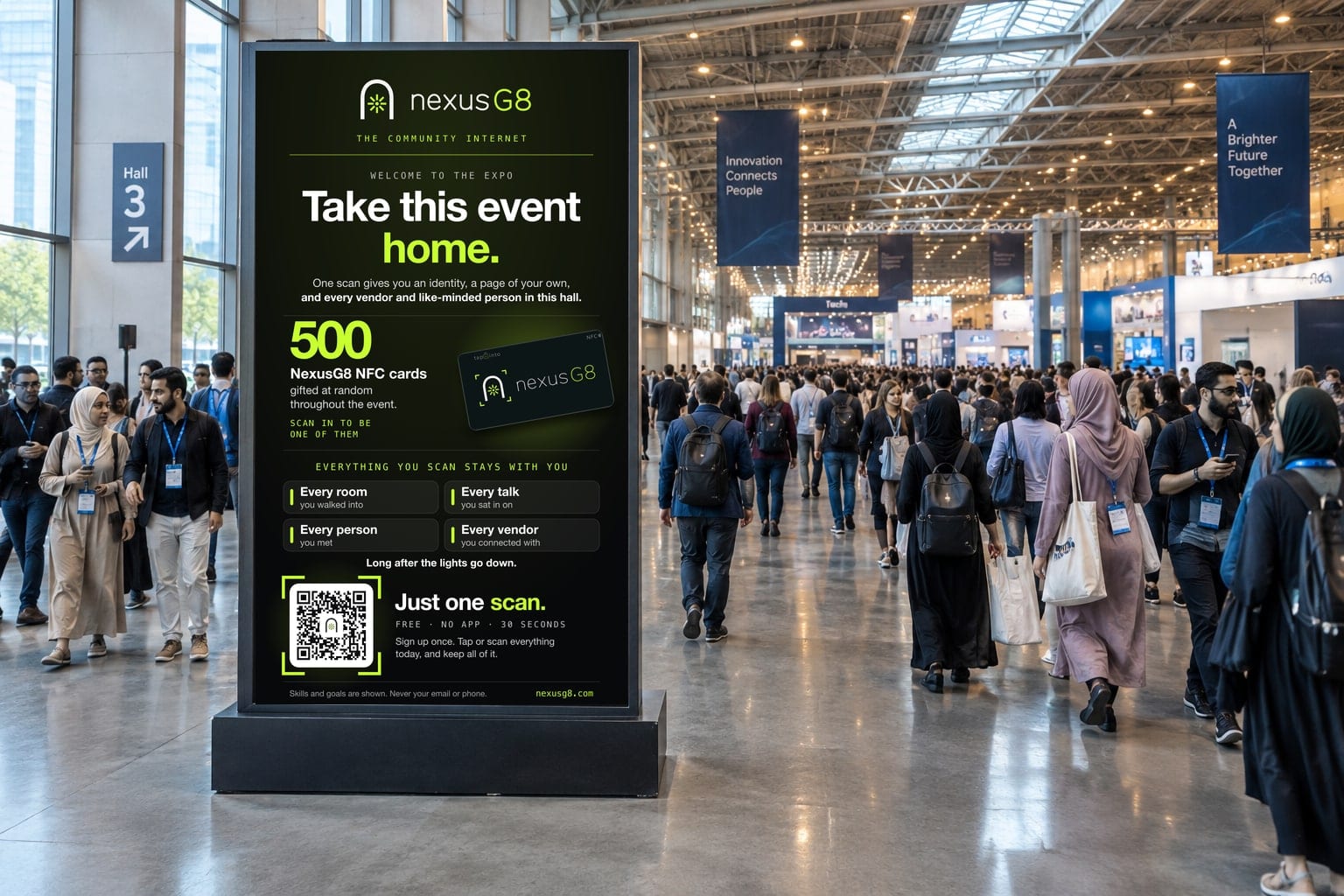
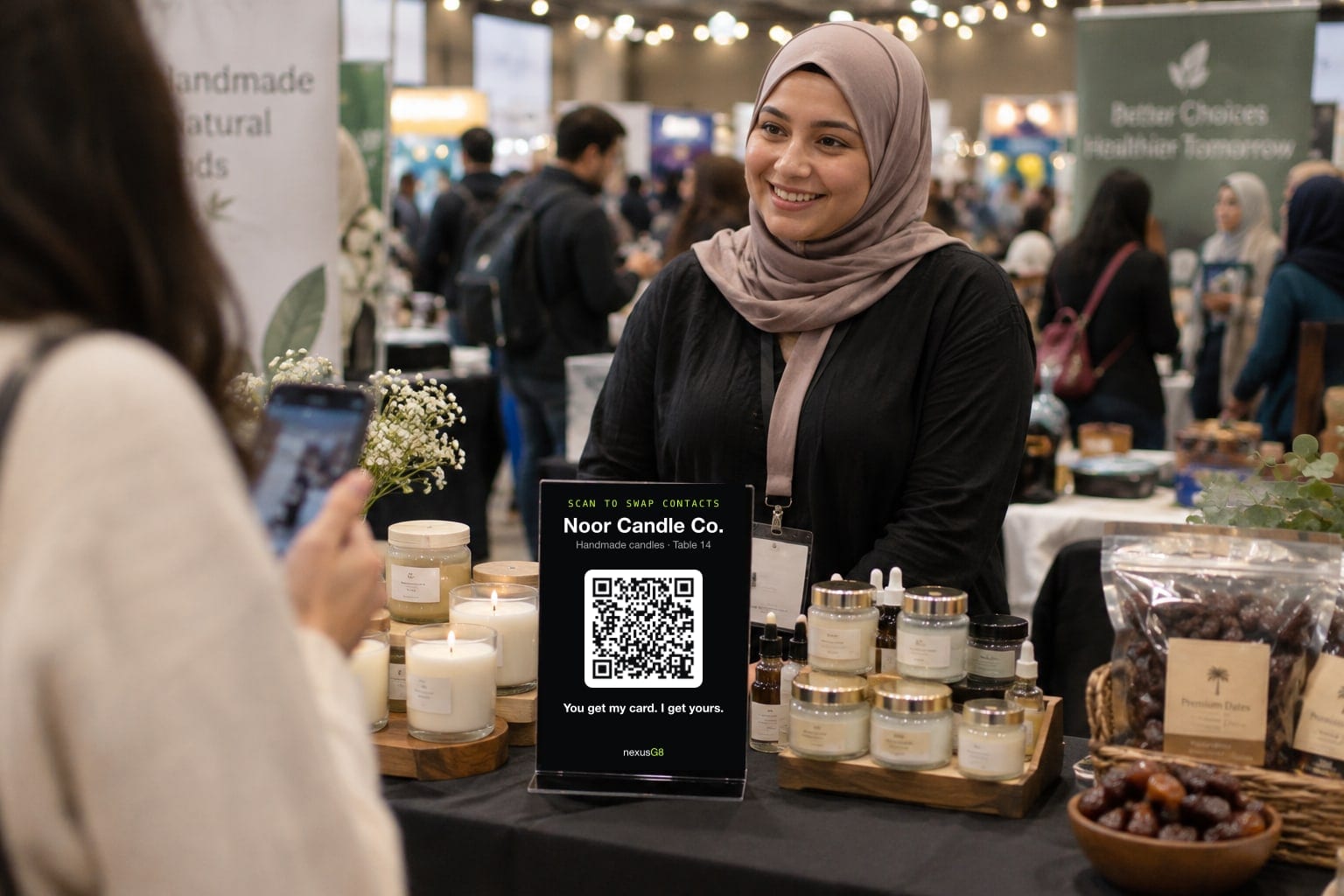
Table 14 · a working code02 · For the vendors
Every attendee who walks past is one tap from becoming a customer. A visitor taps the Nexus Gate on the table, and the two of them swap contacts on the spot. The vendor never loses a potential contact again, and turns the busiest day of their year into the start of a pipeline.
A table without NexusG8
A table with a Nexus Gate
Sharing is always the visitor’s choice, which is exactly why visitors trust the gate. A lead that chose to be followed up is a lead that answers.
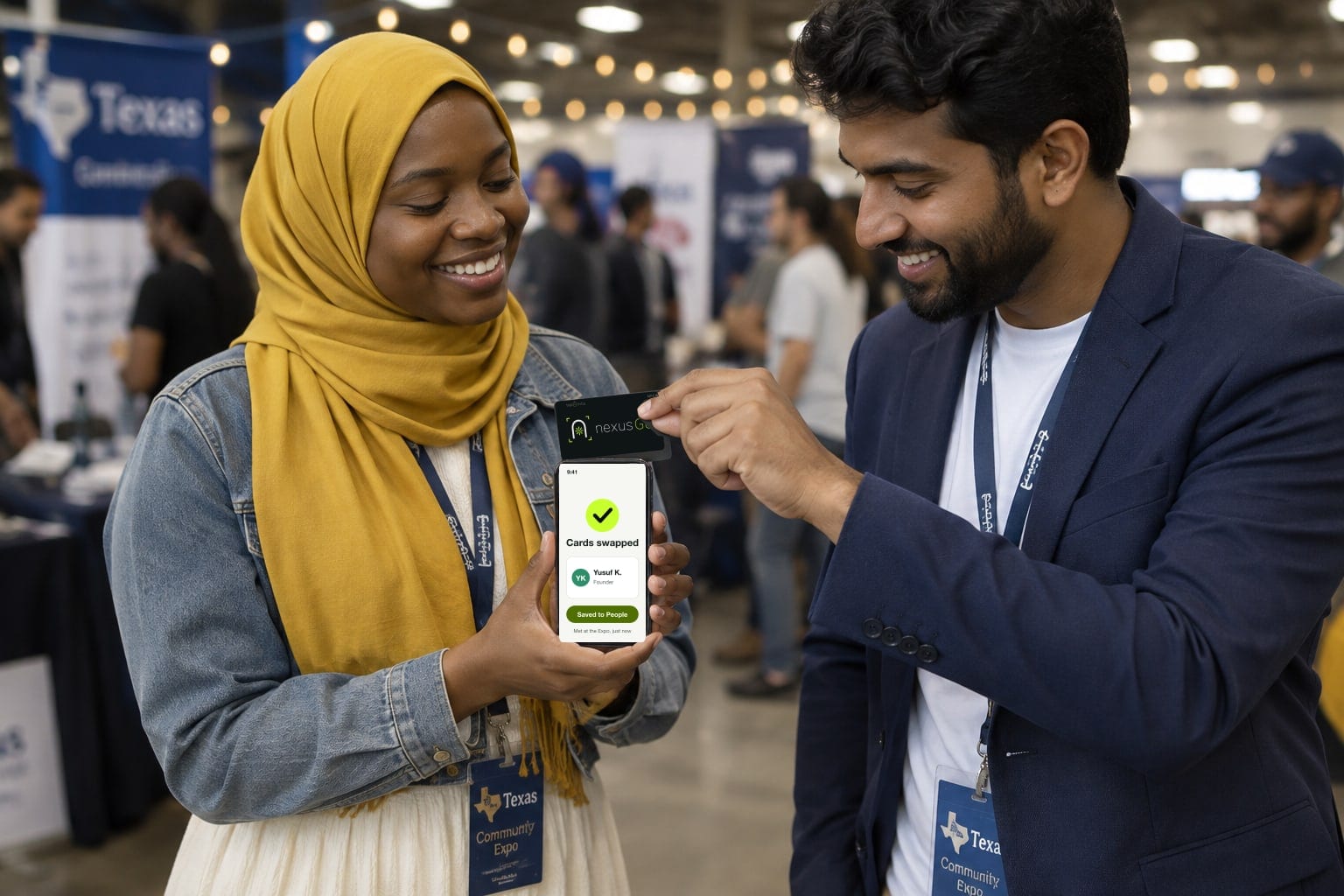
The expo floor · one tap03 · Tap to connect
A guest taps their NexusG8 card on someone’s phone, or scans their code, and the two swap cards on the spot. No app, no typing, no spelling a handle over the noise of the hall.

Ballroom B · Unity in Islam04 · Every room has a door
A session, a talk or a dinner gets a sign at its door. Guests scan in, and the room becomes a list they keep: who was there, and who they should meet from it. Here, The Muslim Collective hosts Unity in Islam in Ballroom B.
05 · One scan, three sides
Most event tools serve one of these people. NexusG8 serves all three from the same moment at the door, which is why each of them has a reason to say yes.
You, the organiser
Who came, what they do, what they are looking for and who should meet whom, on one screen, with a way to reach every one of them long after the day.
Your vendors
A Nexus Gate on the table. Every visitor who taps and chooses to share lands in their leads, so no potential customer is ever lost to a business card or a busy moment.
Your guests
Every room they were in, every vendor they visited, everyone they met and everyone they should have met, kept in their pocket for good.
And every one of them, organiser, vendor and guest, leaves with an identity and a page of their own.
06 · Before, during and after
NexusG8 is not only for the day. It works from the moment your event goes live on it, which is why the sooner it is set up, the more your guests and vendors arrive already connected.

Winter Community Expo
1 · Before
Winter Community Expo
Your organisation · Main hall
2 · The day of
Winter Community Expo
Sat, 12 December · 612 people checked in
Who you should meet
You stood in the same room. These six wanted what you offer, or offered what you want.
Months from now, their card will still say you were both at the Expo.
3 · After
Set it up early. Everything in Before begins the day your event’s Community Nexus goes live. Every week it is up before the doors open is a week of guests finding each other, and vendors being found.
Start before your event07 · The story
You spend a year bringing the right people into one room. Then the day ends, and nearly everything that happened between them walks out of the door with no way back. Your vendors leave with a pile of compliments. Your guests leave with a pocket of paper.
Spelled out twice in a crowded hall, typed wrong once, never found again.
Found a month later, by which time nobody remembers why it mattered.
Everyone meant to. The week started, and the moment passed.
An event is a community for a day. NexusG8 makes it a community for good.
08 · 9:50 AM, after the opening keynote
Your host asks everyone to scan the screen. Two minutes later the room has checked in, and you know who is here. So does everyone else, and so does the matching.
What one scan does for a guest
Your Event
Your community, in one place, all year
Follow is instant and private. Ask to join and a steward answers.
1
Your event’s Community Nexus opens. Follow for every update, or ask to join your community.
Your Contact Card
Share who you are and how to reach you.
nexusg8.com/meet/maryam
2
Their own Contact Card, made in the time it takes to find a seat. They choose what it shares.
Your Event 2026 · 812 checked in
Who you should meet here
3
Who can help them, who they can help, and what they share, from everyone checked in.
The next morning
People
4
Every Connect is saved with where they met. The next morning, the whole day is in People.
Your Event 2026 · kept
The rooms you were in
09 · Take the room with you
This is the part nobody else gives your guests. Every room they sat in comes home with them, with everyone in it, and stays with them from then on.
The main hall, each breakout, the expo floor, their table at the gala: each one a list they keep, of everyone who checked in and chose to be seen.
In three colors: who can help them, who they can help, and what they share. Missed someone in Room B? They are one tap away tomorrow.
Saved in People with where and when they met, a note, and a follow-up that goes by itself.
They walk into your next event already knowing people, and the matching keeps working as more people join.
A business card is one person, for a week. A room is everyone, for good.
10 · Four people, one scan
The organiser, the speakers, the vendors and every guest. Each gets something that works on the day and keeps working after it, which is why the answer is yes.
You, the organiser
A Community Nexus and a Command Center for your whole community.
Your speakers
Their own NexusG8: a card, a page, and an audience that does not end with the panel.
Every vendor
A Contact Card, a Home Page and a Nexus Gate for the table.
Every guest
Their own NexusG8, free for good: one address for them, their life and their work.
11 · Your day, on your agenda
Nothing about your program changes. This is what each room can do, and what every person in it takes home. An example day: the rooms and numbers are an illustration.
A Nexus Gate at the entrance and a code on every badge. One scan, and each guest has a card of their own before they find a seat.
Every speaker’s name on the agenda opens their own page.
The host asks the whole room to scan the screen at once. The room checks in, and the map of who is here builds itself.
Each room has its own check-in, so everyone in Room A is shown to each other: who can help whom, in three colors.
Every table is a Nexus Gate. A visitor taps, chooses to share, and the vendor keeps the lead.
Prayer times sit on the event’s Community Nexus, where everyone already is.
The people who sat in a room together stay a list each of them keeps, with why they should meet.
Who you should meet here, updated as people check in. Connect in one tap with anyone in the room.
Every pitch now ends with a page to send, not a card to lose.
On the Community Nexus.
The ten people who shared a table stay connected after it.
The lights come up. Everyone leaves with the whole room in their pocket.
Every room on this list stays with everyone who was in it. A guest who sat in the main hall, Room B, the expo floor and table 12 at the gala goes home with all four rooms: who was there, who they should meet, and everyone they met.
12 · It has already worked
At a creators’ summit in Texas, guests scanned in, made their own NexusG8 and put their name tag up in the room. NexusG8 mapped who could help whom. Every figure below is counted from the platform’s own records for that weekend.
13 · What you see
Your Command Center shows who came, who met whom, who asked to join and who follows you. Then it lets you reach all of them.
Your Event · Command Center · live
For your sponsors
Your sponsorship deck promises visibility beyond the day. Now there is a channel that delivers it, and figures to show for it.
Your membership, all year
Every question on your registration or membership form already has a place in NexusG8, and the answers stop being rows in a spreadsheet. They become people who can find each other.
Name, title, company and website
Their Contact Card and Home Page. Written once, kept current by them, never retyped into a form again.
What are you looking for? What can you offer?
Looking for and Can offer, from one shared vocabulary, so the right two people are shown to each other.
Industry, profession, interests
Skills and interests in the same words for everyone, so a founder in Dallas and an investor in Chicago find each other.
Why do you want to join?
Who you should meet, in three colors: who can help you, who you can help, and what you share.
Which workshops or meetups will you attend?
Events inside the community, with RSVP, check-in and the people in the room.
“We review every application”
Ask to join. Every request is read by a steward, who decides. Nobody is let in by a form.
The event is the day. Your community is the year. The door is the same.
Their data, your community
What people see of each other is skills, goals, business types, interests and why they should meet. Contact details move only when a person chooses to share them.
They choose what it shares, and can take it back. Their NexusG8 is theirs, wherever they go next.
The door, the roster and the record are yours. Your stewards decide who comes in.
No ads, nothing sold. A sponsor sees how many, never a name, an email or a phone.
14 · The campaign on your floor
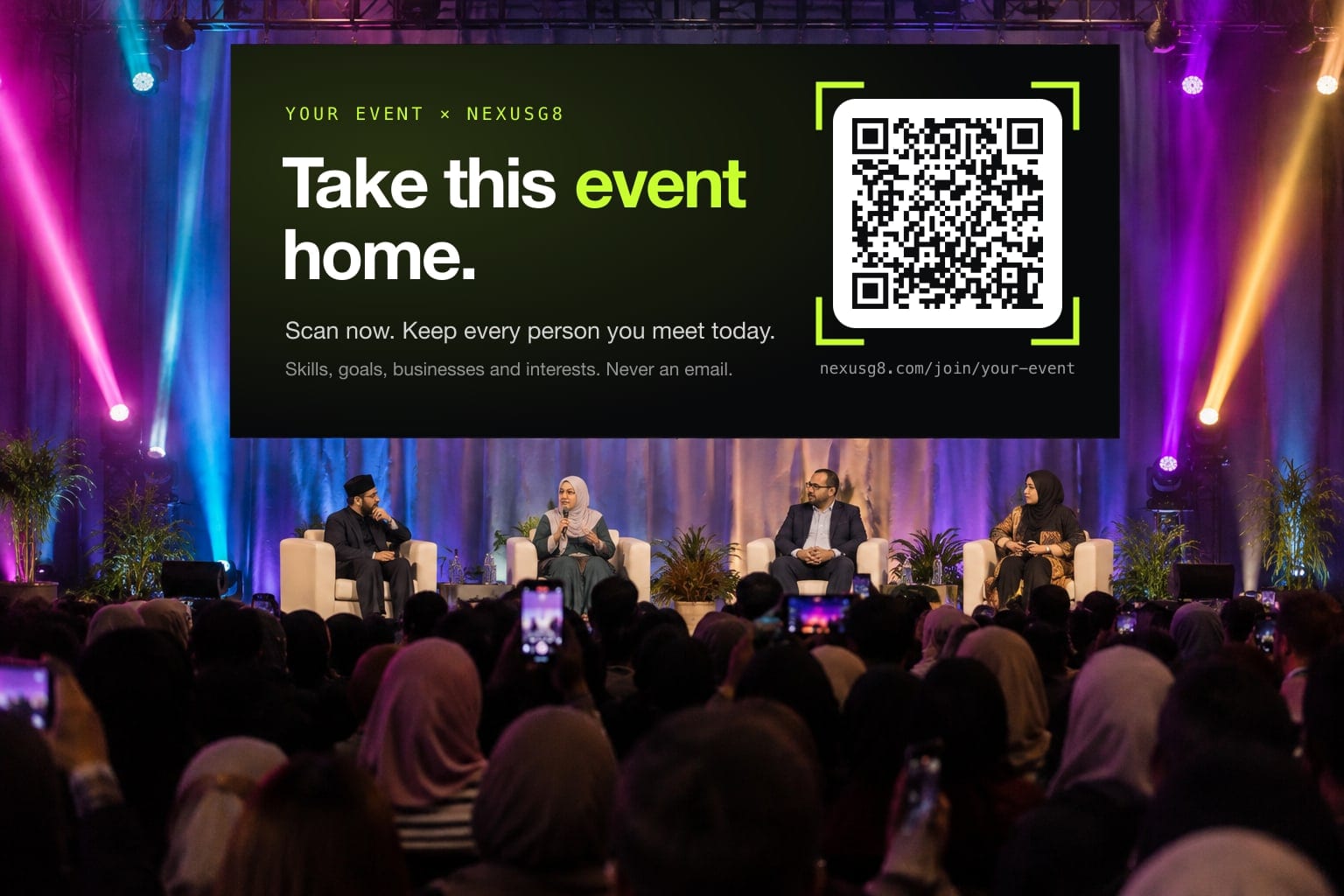
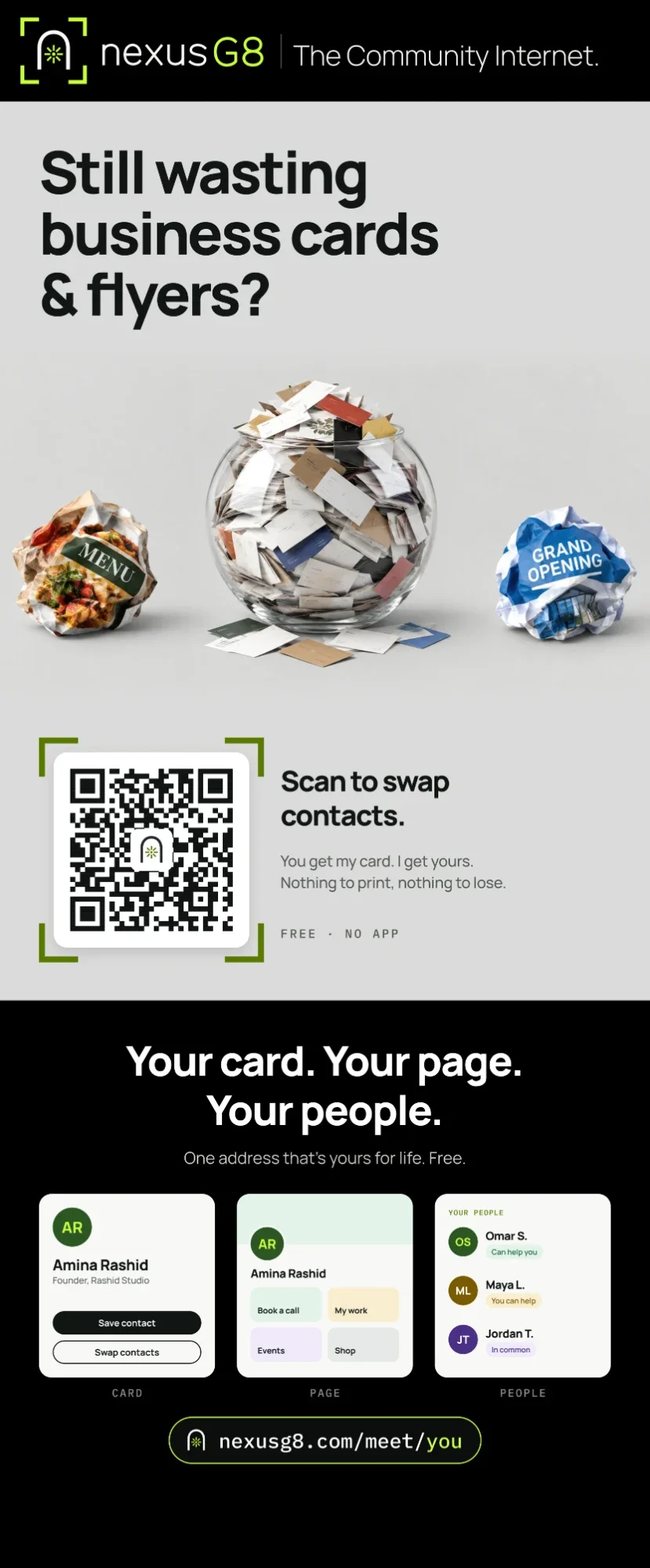
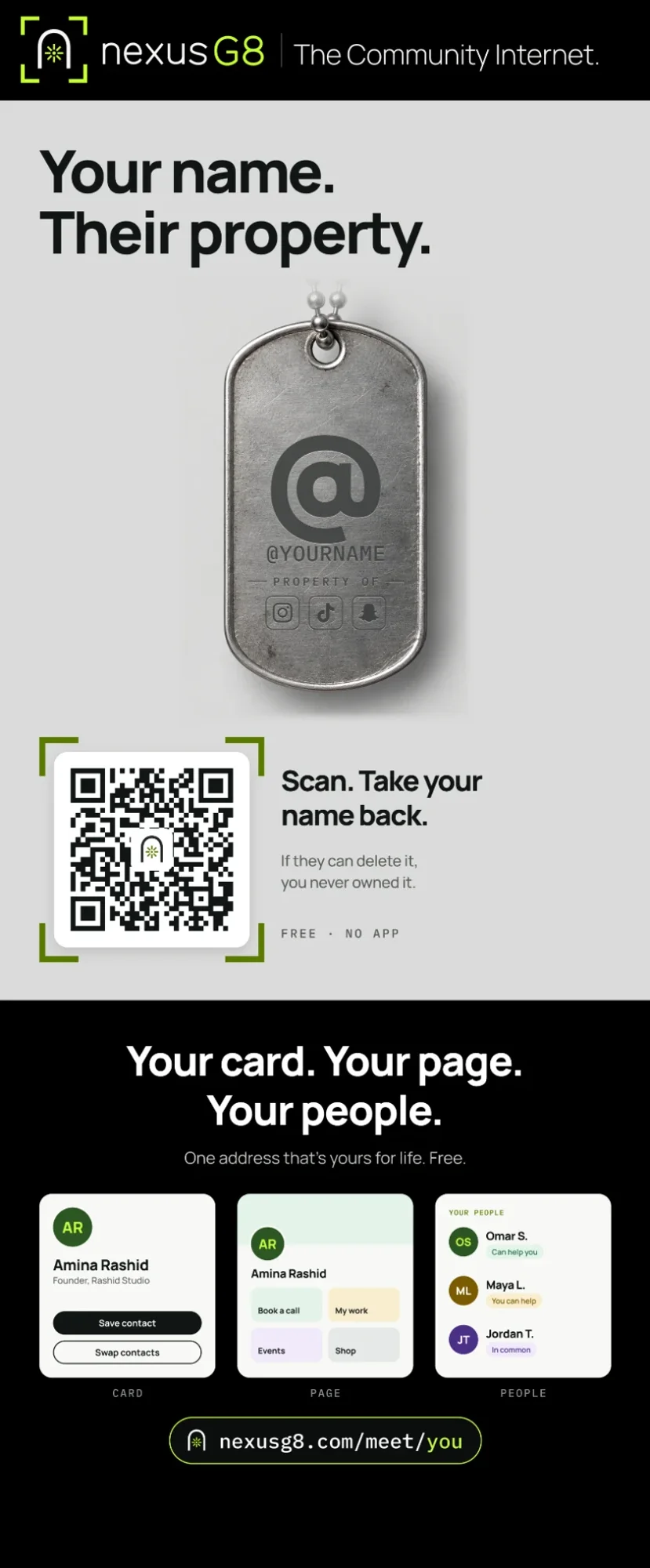
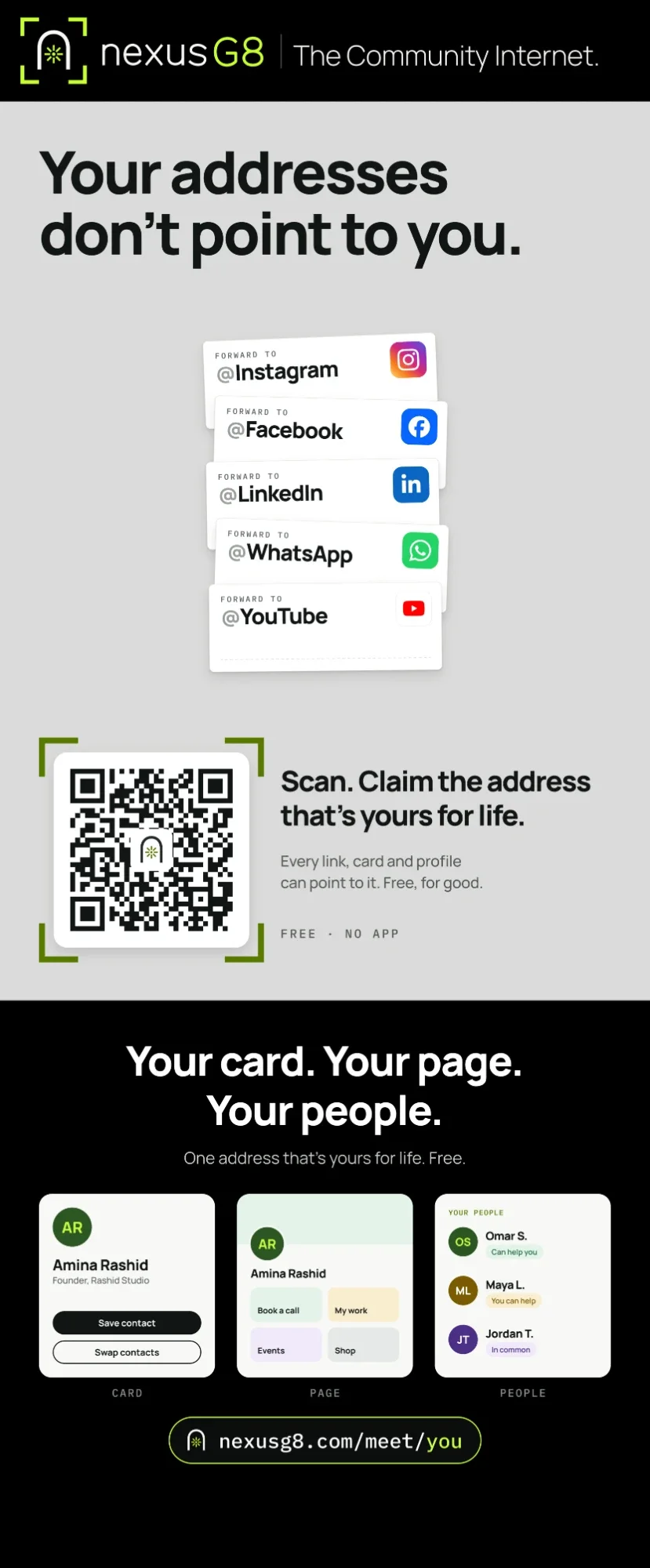
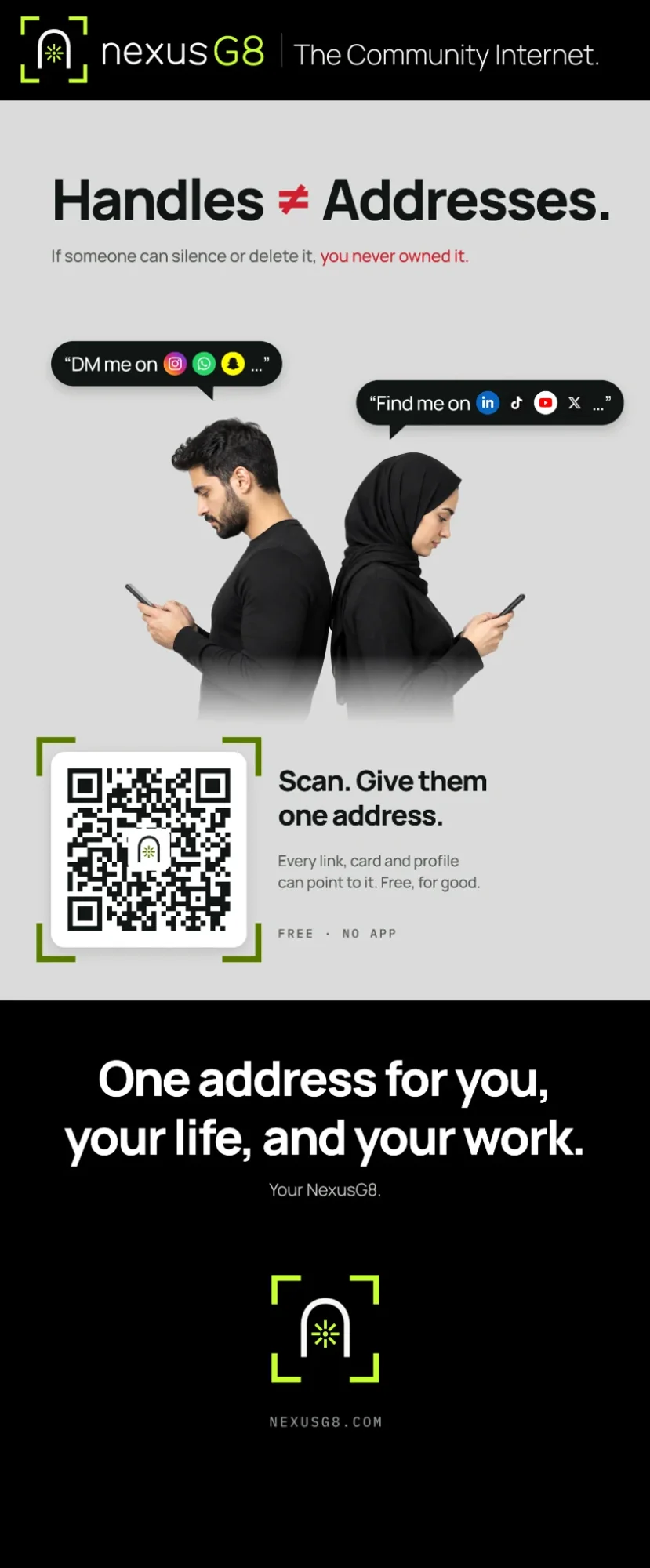
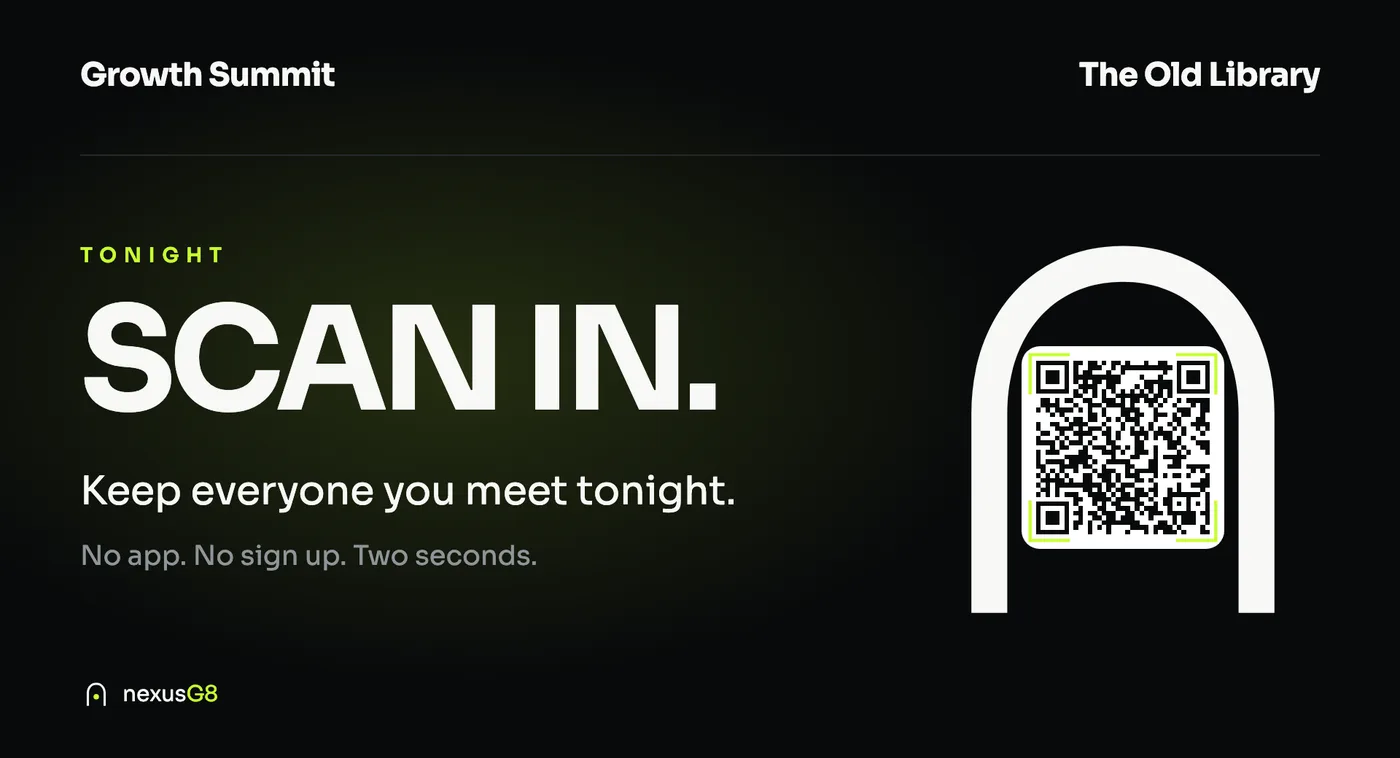
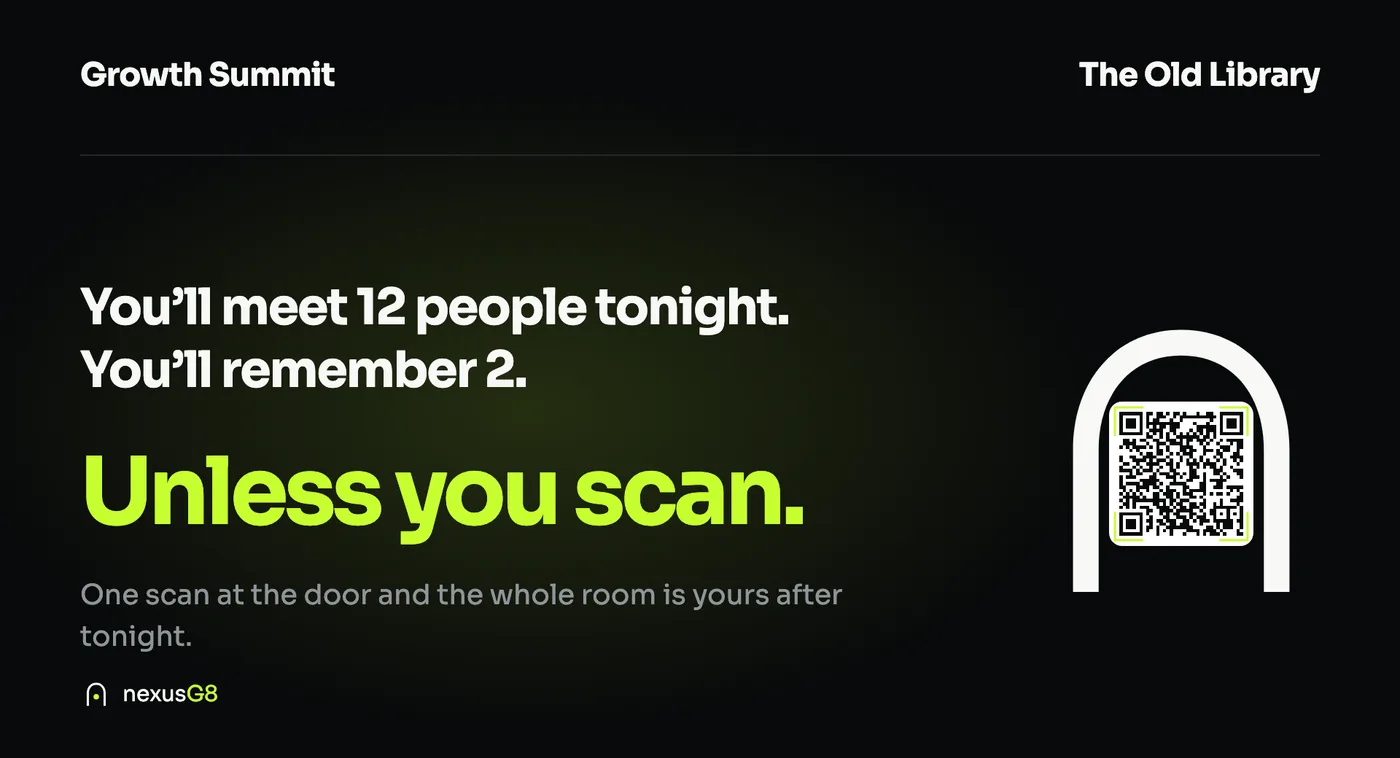
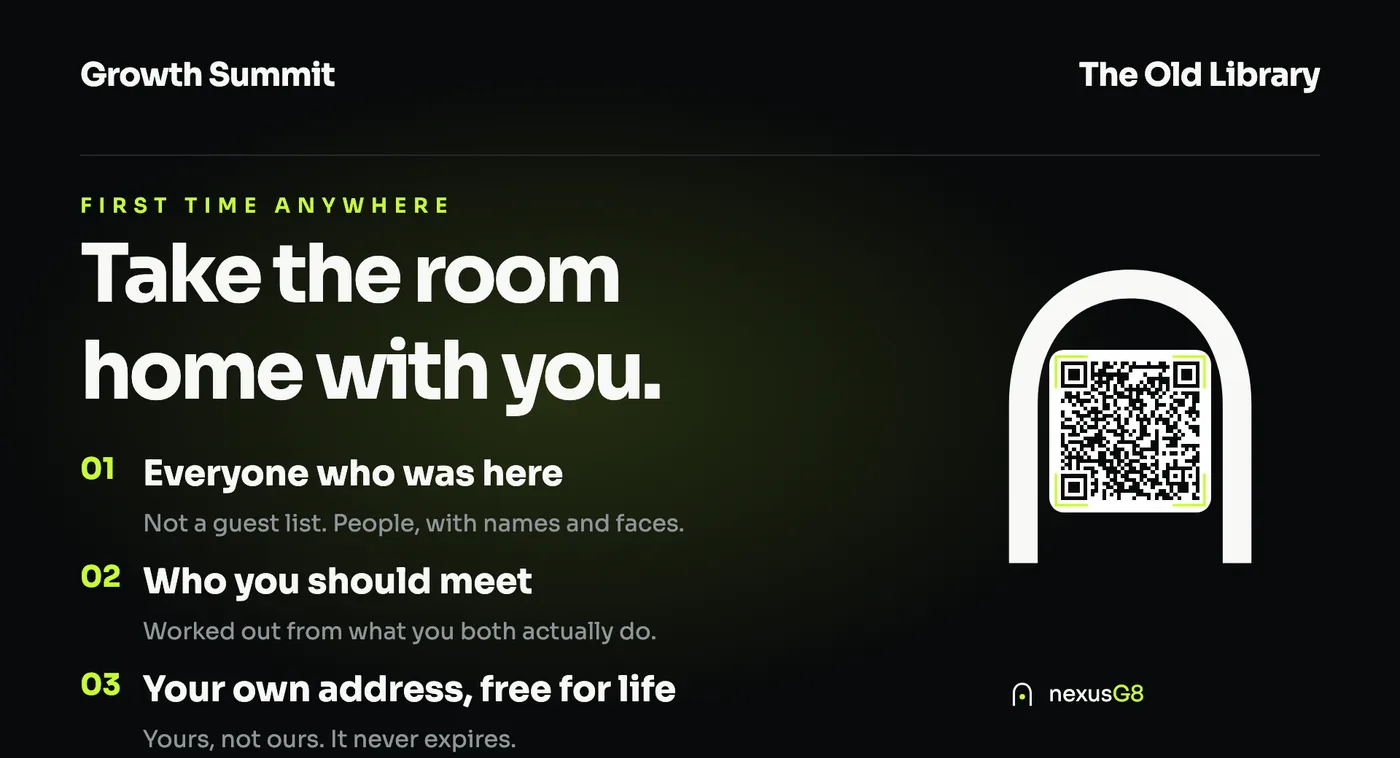
We bring the creative. Every banner speaks to something your guests already feel at an event, and every one ends in the same place: a code that gives them their own NexusG8, free, with no app.
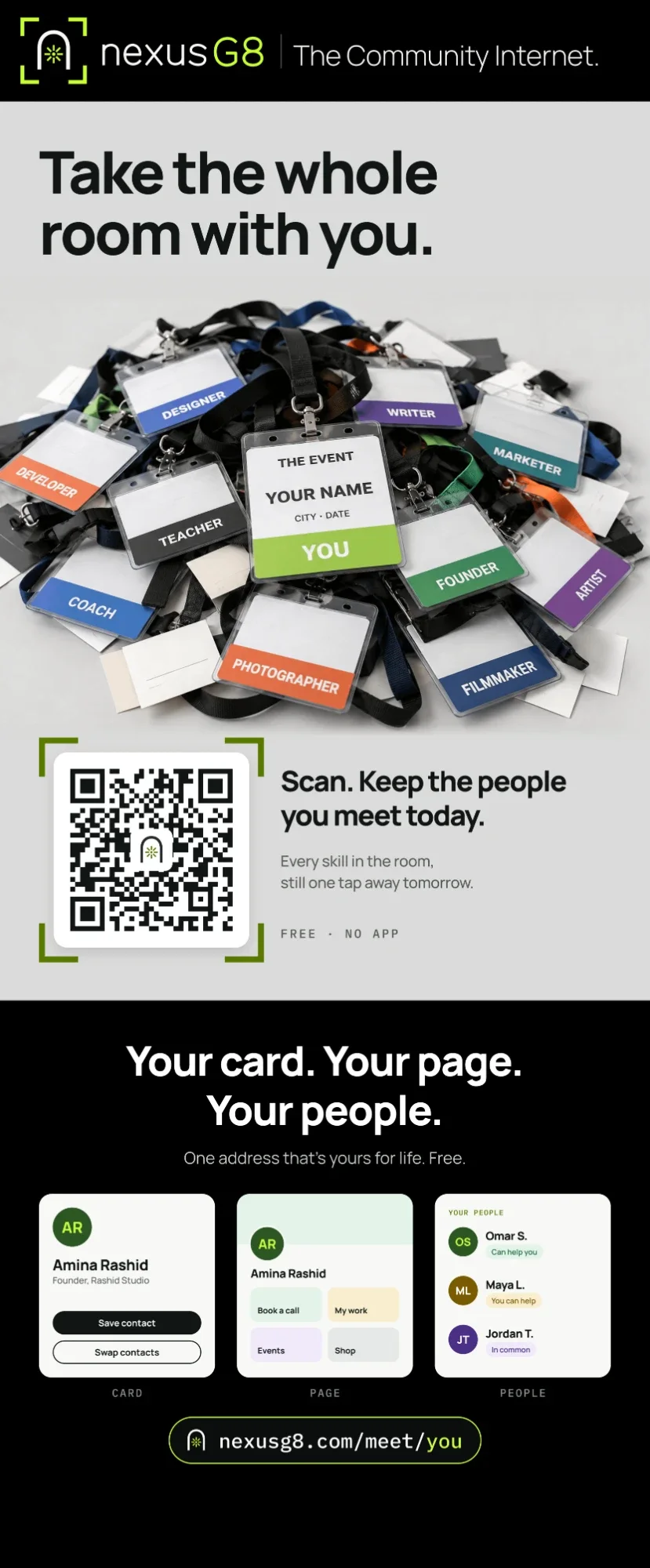
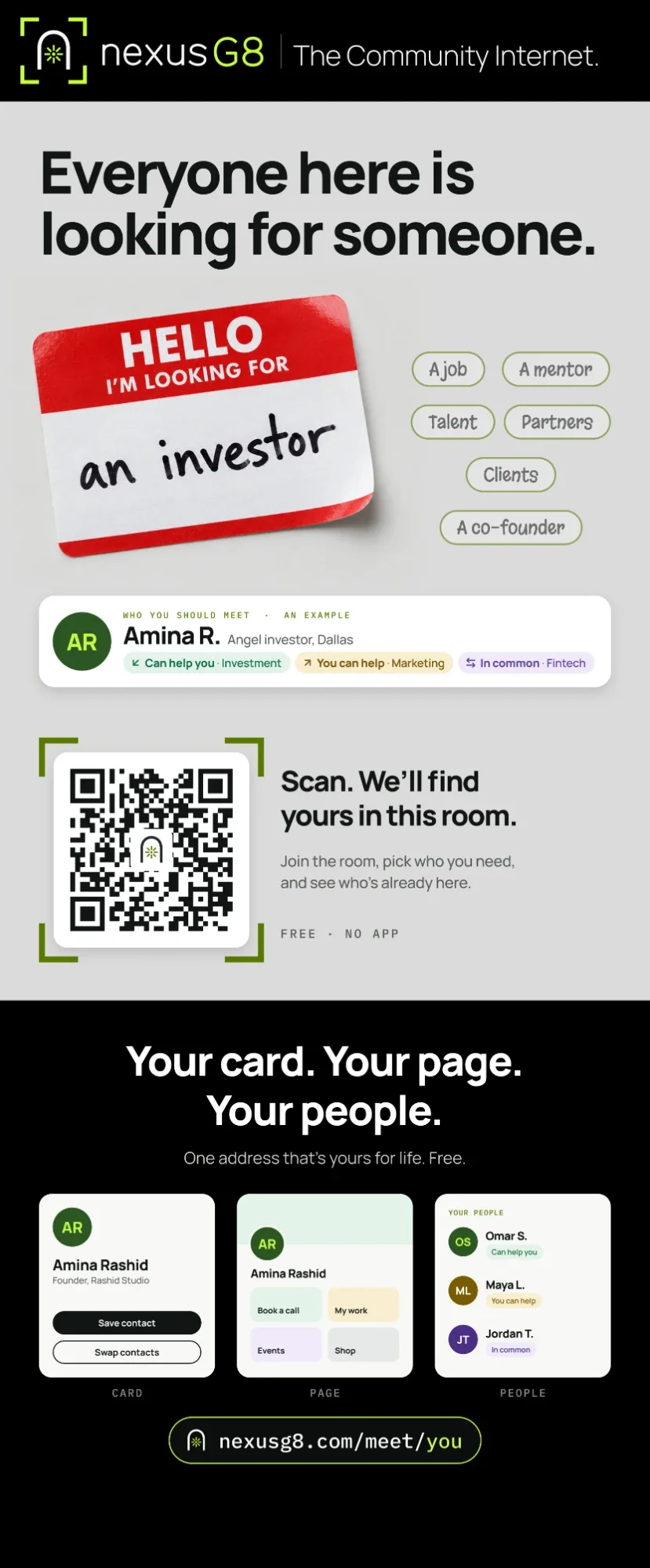
The event in three screens
Three screens rotate on any TV or totem at your entrance. They tell a guest exactly what to do, why it matters, and what they walk out holding, and the code inside the gate checks them in.
For event apps & ticketing platforms
Keep your ticketing. NexusG8 is not an event platform and will never sell a ticket. We are the layer your app was never going to build: the community around the event, before, during and after it. Event Platform Partners keep the ticket, the payment, the data they collect and their brand, and gain reach they could not buy.
Event Platform Partners
Community organizers
An event, as it appears
Saturday 14 March · 6 PM
RegisterPowered by Your event app
Each Event Platform Partner joins under a written agreement. We never sell tickets, never take a cut of yours, and only ever share events their community has made public.
For investors
The organiser gets a community, every vendor gets a sales channel, and every guest gets their own NexusG8. Each of them has a reason to bring the next one.
Someone who joins in Chicago is matched with someone who joined in Toronto or at a community meetup in Dallas. More people means better matches, which is why the next person joins.
Events already gather the people. We arrive with something the organiser could never offer before, so the door opens rather than being bought.
15 · The offer
What we bring
Your Community Nexus and Command Center, set up by our team before the day, with your name and your colors.
Their own NexusG8 and a page their name on the agenda opens.
A Contact Card, a Home Page and a Nexus Gate for the table, printed and ready on the day.
Their own NexusG8, free for good, and the whole room kept.
What we ask
Questions organizers ask
No. It works in the browser: a scan at the door opens your event. They can add NexusG8 to their home screen if they like.
Yes. Each has a NexusG8 of their own: a scan swaps contacts and lands in their People, with notes.
Everyone who came stays reachable through your Community Nexus, for the follow-up, the next session and next year.
Your next event
Tell us your dates. We set up your Community Nexus, print the banners and the Nexus Gates, and stand at your door on the day. Your guests, your speakers and your vendors do the rest.
Usman Waheed, founder, NexusG8 · Dallas
Point your camera here.
This is what your guests will scan.